Laser Cutting Files: Free Downloads, Best Formats, and Beginner Projects
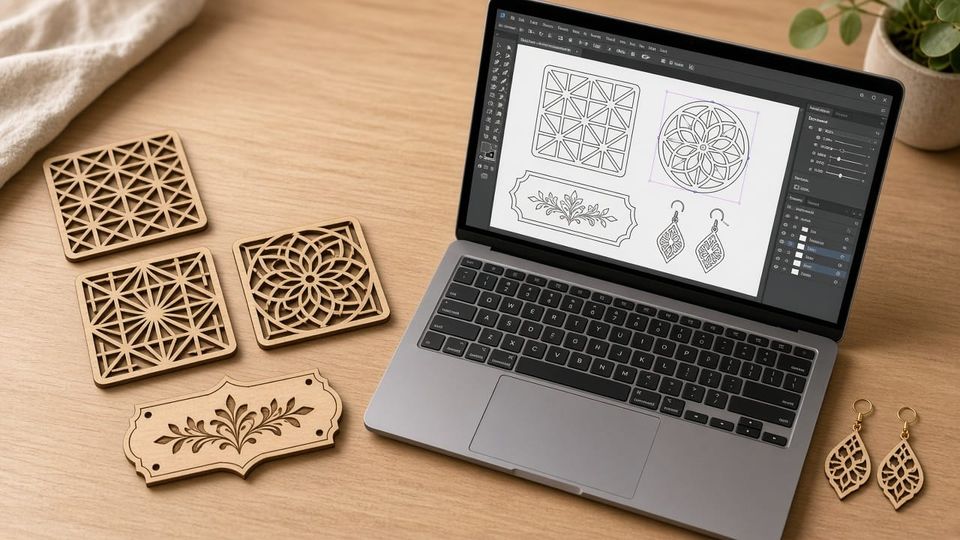
Whether you just picked up your first laser cutter or you're a 3D printing hobbyist curious about laser work, the first question is always the same: where do I get files, and what format do I need?
This guide covers everything a beginner needs — file formats, the best free download sites, starter projects, and how to make your own laser cutting files from scratch.
Laser Cut Files vs Laser Engraving Files
Before downloading anything, understand the two types of laser files:
Cutting Files | Engraving Files | |
|---|---|---|
What the laser does | Cuts through the material | Etches the surface |
File type | Vector paths (lines/curves) | Vector or raster (images) |
Typical output | Separate pieces, cutouts | Surface textures, photos, text |
Power setting | High power, slow speed | Low power, fast speed |
Most real-world projects combine both — for example, a wooden coaster uses cut paths for the outline and engrave paths for a decorative pattern on top. In your design file, you separate these operations using different colors or layers.
Laser Cutting File Formats Explained
SVG — The Beginner-Friendly Standard
SVG is the most versatile format for laser work. It supports color layers that map directly to cut/engrave operations, works with LightBurn, Bambu Suite, xTool Creative Space, and Glowforge, and is editable in free tools like Inkscape. If you're unsure, start with SVG.
DXF — The CAD & Industrial Default
DXF is the standard in CAD software (Fusion 360, AutoCAD). It offers precise engineering dimensions but can sometimes import with broken paths. Best for mechanical parts and users coming from a CAD background.
AI, EPS, PDF — Designer Formats
Adobe Illustrator's native formats. Support varies by laser software — verify compatibility before committing to these. PDF works if it contains real vector paths (not scanned images).
PNG / JPG — Engraving Only
Raster images can only be engraved, never cut. Use at least 300 DPI for clean results. Great for photo engraving on wood or anodized metal.
Format | Cut? | Engrave? | LightBurn | Bambu Suite | Best For |
|---|---|---|---|---|---|
SVG | ✅ | ✅ | ✅ | ✅ | Beginners, most projects |
DXF | ✅ | ✅ | ✅ | ✅ | CAD/engineering parts |
AI/EPS | ✅ | ✅ | ✅ | ❌ | Adobe users |
✅ | ✅ | ✅ | ❌ | Sharing proofs | |
PNG/JPG | ❌ | ✅ | ✅ | ✅ | Photo engraving |
Related reading: For a broader look at digital fabrication file types, see our guide to 3D printer file types.
8 Best Sites for Free Laser Cut Files
Here's where to find free laser cutting files — each platform tested and compared:
Platform | Files | Formats | Free? | Best For |
|---|---|---|---|---|
MakerWorld | Growing | SVG, XCS | ✅ | Bambu Lab users |
Atomm | 60,000+ | SVG, DXF, XCS | ✅ | xTool users, biggest library |
3axis.co | 24,000+ | DXF, SVG, CDR | ✅ | DXF files, no sign-up |
Ponoko | 100+ | SVG, EPS | ✅ | Engineering templates |
Thingiverse | 5,000+ | SVG, DXF | ✅ | Community uploads |
Master Bundles | 2,800+ | SVG, EPS, PDF | ✅ | Craft & holiday designs |
DXF for CNC | 1,700+ | DXF | ✅ | CNC-ready files (sign-up required) |
Etsy | Massive | SVG, DXF, AI | 💰 | Curated, premium quality |
My Top Pick: MakerWorld Laser & Cut
If you're in the Bambu Lab ecosystem, MakerWorld's Laser & Cut section is the most seamless option. Files import directly into Bambu Suite with one click — no format conversion, no fiddling with settings. The library includes everything from puzzles to wall art, with Creative Commons licensing clearly labeled. It also cross-links with 3D printing projects, which is perfect if you already use MakerWorld for 3D print files.
Other Standouts
- Atomm has the largest free collection (60K+ files) with material and license filters built in.
- 3axis.co is the no-hassle option — 24,000+ files, no account needed, instant download.
- Thingiverse has a solid
lasercuttag, though file quality varies. Check out Thingiverse alternatives if you want more curated options.
Free Laser Cut Patterns and Templates for Wood
Wood is the most beginner-friendly laser material, and free laser cut files for wood are everywhere. Popular categories:
- Geometric wall art — Abstract patterns, mandalas, city skylines
- Holiday ornaments — Christmas trees, snowflakes, pumpkins (seasonal traffic spikes)
- Living-hinge boxes — Flexible wood designs using a kerf pattern
- Signs & name plates — Personalized gifts, door signs, pet tags
Wood tips: Stick to plywood ≤ 6 mm for diode lasers. A CO2 laser cutter handles thicker hardwood and MDF more cleanly. Always test your power/speed settings on a scrap piece first — every wood species burns differently.
Selling what you make? Personalized laser-cut gifts are one of the easiest ways to sell your creations online.
Beginner Laser Cutting Projects Worth Trying
Not sure where to start? Here are five laser cut projects sorted by difficulty:
Project | Material | Difficulty | Skills Learned |
|---|---|---|---|
Engraved coasters | 3 mm plywood | ⭐ | Engrave settings, alignment |
Name sign / door plate | 3 mm plywood | ⭐⭐ | Cut + engrave combo, text-to-path |
Living-hinge phone stand | 3 mm plywood | ⭐⭐⭐ | Kerf bending, precision fit |
3D puzzle / standing model | 3 mm plywood | ⭐⭐⭐ | Multi-piece assembly, slot tolerance |
Acrylic earrings | 3 mm acrylic | ⭐⭐⭐⭐ | Mixed material, small-scale precision |
All five can be found as free SVG downloads on MakerWorld or Atomm. Search the project name + "SVG" or "DXF" on any platform listed above.
How to Create Your Own Laser Cutting Files
You don't have to rely on downloads. Here's the quickest workflow to make your own:
- Draw in Inkscape (free) — Use the pen tool or import a template. For geometric patterns, the Tiled Clones feature is incredibly powerful.
- Convert text to paths —
Path → Object to Path. Laser software can't read fonts, only outlines. - Set stroke to hairline — Stroke width should be 0.001" or 0.025 mm. Anything thicker gets interpreted as an area, not a line.
- Color-code your layers — Red = cut, blue = engrave (or follow your software's convention). This tells the laser what to do with each path.
- Export as SVG — Set document units to mm. Verify dimensions after import.
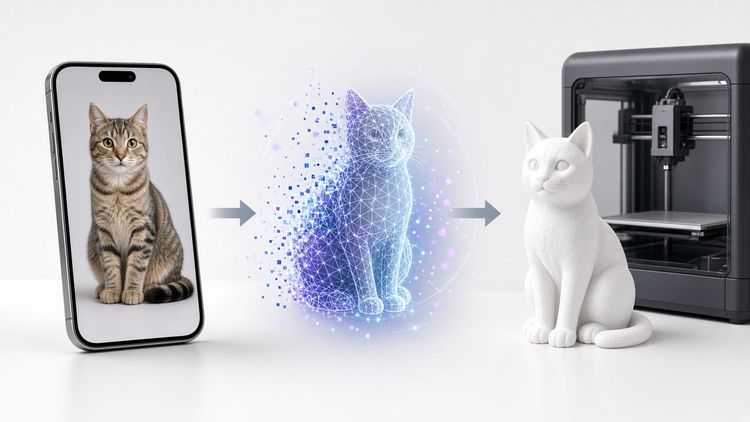
Pro tip: If you're starting from a photo or sketch, use AI image-to-vector tools to generate a clean starting point, then refine in Inkscape. We cover several options in our best image-to-3D model AI roundup — some of those same tools output SVG.
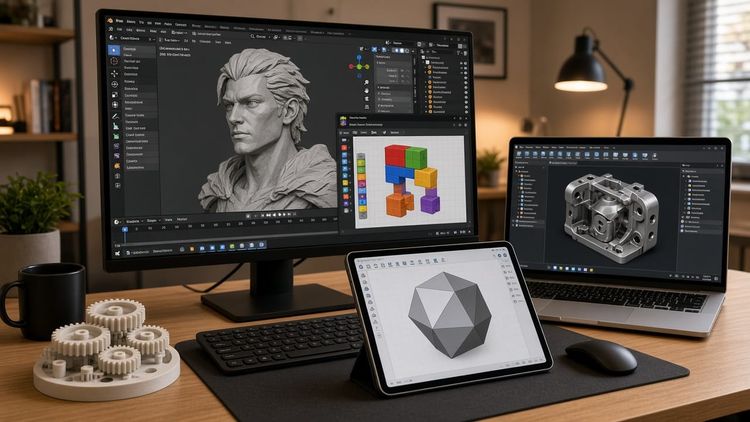
For more capable design software, see our best 3D modeling software guide — tools like Fusion 360 export laser-ready DXF directly.
FAQ
What files can be used for laser cutting?
Vector files — SVG, DXF, AI, EPS, and PDF (with real vector paths). For engraving only, raster images like PNG and JPG also work. SVG is the safest choice for beginners.
Where can I find free files for laser cutting?
MakerWorld, Atomm, 3axis.co, Ponoko, and Thingiverse all offer free downloads. MakerWorld integrates directly with Bambu Suite; 3axis.co requires no sign-up at all.
What's the difference between SVG and DXF for laser cutting?
SVG preserves colors and layers, making it easier to map cut vs engrave operations. DXF offers more precise engineering dimensions but can have compatibility quirks. For hobbyist use, SVG is simpler; for CAD-driven projects, DXF is more natural.
Can I use 3D printing files (STL) for laser cutting?
Not directly — STL files describe 3D mesh surfaces, while laser cutters need 2D vector paths. You'd need to export a 2D cross-section or redraw the design as a flat SVG/DXF. They're fundamentally different file types for different machines.

Comments ()